
Payment Fee Calculator (USD)
Select a platform and enter an amount to calculate fees.
| Breakdown | Amount |
|---|
Payment processing fees are the invisible tax on freelancing and e-commerce. Whether you are using PayPal, Stripe, or a freelance marketplace, nobody processes money for free. And the worst part? The math is never simple. It’s rarely just a flat percentage; it’s a percentage, plus a fixed fee, sometimes triggered by volume or international rates.
That is exactly why I built the calculator above. I got tired of opening a spreadsheet every time I needed to send a bill.
How to Use This Tool
It’s pretty straightforward, but there are two ways to use it depending on your situation:
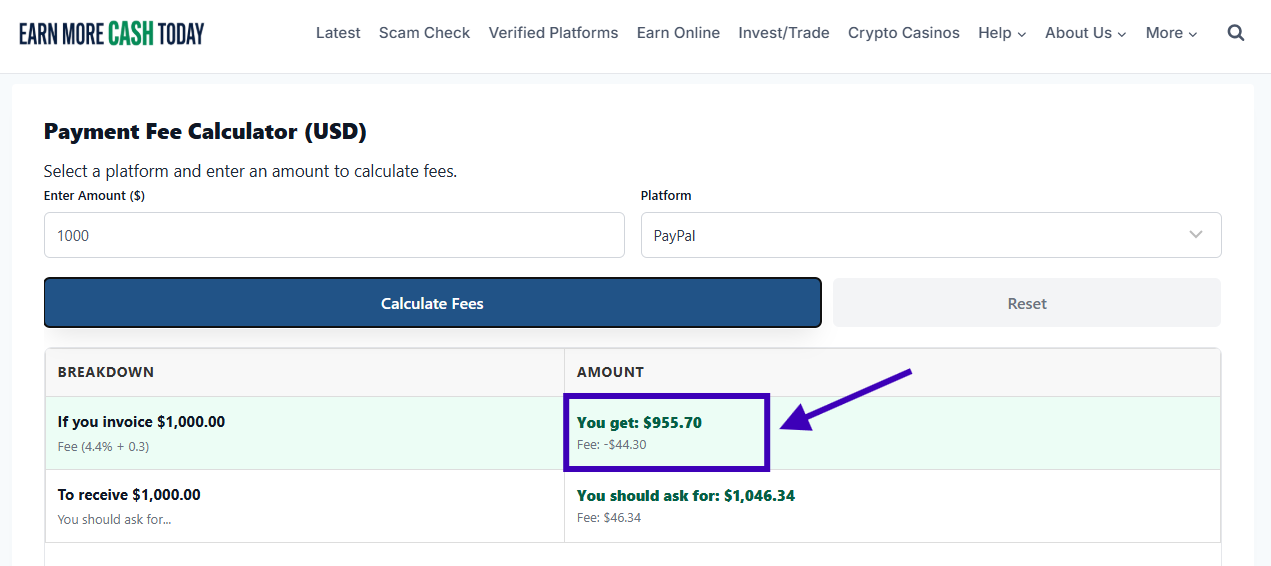
1. The “What will I keep?” calculation: If you have already quoted a price (e.g., $1,000) and you want to know how much cash will actually land in your bank account after the platform takes its cut, just enter $1,000 and hit calculate. Look at the “You get” column.
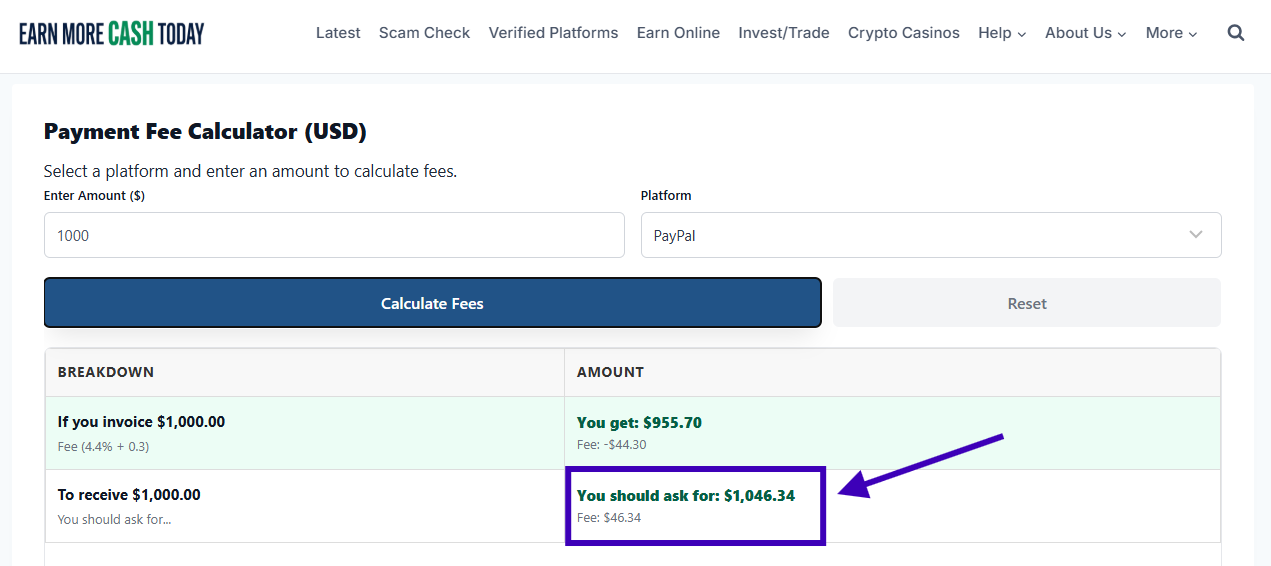
2. The “Reverse” calculation (The Client Pays): This is the feature most freelancers forget to use. If you want to ensure you have exactly $1,000 in your pocket after fees, look at the “You should ask for” column. This tells you the exact amount to put on the invoice so the client covers the transaction cost.
A Breakdown of the Platforms
I’ve updated the calculator to use the latest fee structures for 2026. Here is a quick cheat sheet on what is happening behind the scenes:
- PayPal: This is the most common one, but also the most complex. If you are receiving international payments, fees can jump significantly. I’ve programmed this tool to handle PayPal’s “tiered” international rates — so if you are billing over $3,000, the fee percentage actually drops slightly.
- Stripe: The industry standard for credit card processing. It’s usually a flat 2.9% + 30¢. It’s reliable, but those fees add up fast on small transactions.
- Square: Square recently changed their pricing model. If you are on their standard free plan, you’re paying slightly more (3.3%) than their paid “Plus” plan (2.9%). I’ve separated these options in the dropdown so you can pick the one that matches your account.
- Wise (formerly TransferWise): This is often the best option for international freelancers. If you can get a client to pay you via ACH (bank transfer), it is often free. However, if they pay you via Wire or Card, there are specific fixed fees involved, which this tool calculates.
- Upwork & Fiverr: The “ouch” platforms. These marketplaces take a massive cut (10% to 20%) in exchange for bringing you the lead. It’s painful to see, but important to budget for.
- Payoneer: A solid middle-ground. I’ve included options for both Credit Card payments (3%) and receiving via Bank/ACH (1%).
Why accuracy matters
A few dollars here and there might not seem like much, but over a year, these fees can amount to an entire month’s rent. By using the Reverse feature on the calculator above, you can confidently discuss fees with your clients or adjust your pricing model to ensure your net income is what you expect it to be.