
Clickworker Review 2026: Legit AI Side Hustle or Waste of Time?

Click to Zoom
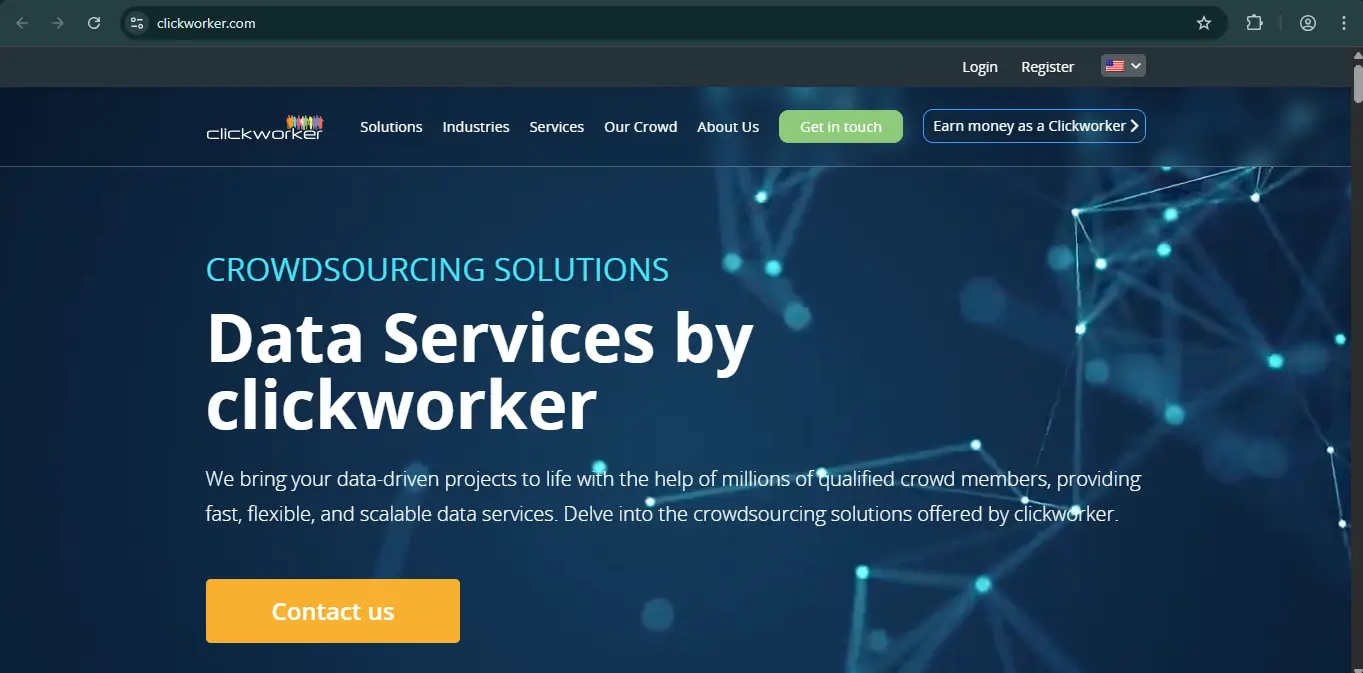
Clickworker is a legitimate crowdsourcing platform established in 2005. It pays freelancers real currency (USD/EUR) via PayPal or Payoneer for completing micro-tasks. However, income is inconsistent, and strict identity verification is required. It is best suited as a supplemental “beer money” gig rather than a full-time income source.
What Is Clickworker and How Does It Actually Work?
Clickworker acts as a middleman between large companies (often needing data for AI training) and freelancers like you. Unlike survey sites that kick you out halfway through, Clickworker focuses on micro-tasks.
When you sign up, you aren’t an “employee.” You are an independent contractor picking up small jobs that computers can’t do yet.
Common tasks include:
- AI Training: Recording short voice clips or making specific facial expressions on video to train smartphones.
- Search Relevance (UHRS): Evaluating if search engine results match a user’s query.
- Mystery Photography: Taking pictures of store shelves or products to verify stock levels.
- Categorization: Tagging music, images, or products with accurate keywords.
The UHRS Factor
A huge chunk of the work on Clickworker comes from UHRS (Universal Human Relevance System). This is a separate partner platform accessed through Clickworker. Once you pass the UHRS assessment, you gain access to a different job board with higher volumes of work, typically involving search engine evaluation.
How Much Can You Really Make?
Realistically, expect to earn between $5 and $10 per hour once you get the hang of the platform, though this fluctuates wildly based on task availability.
- The Peanuts Tasks: Some data entry jobs pay only $0.02 per hit. Unless you are extremely fast, these are rarely worth the time.
- The Gold Tasks: Mystery photography jobs often pay $10 to $25 for a single store visit. These are competitive and disappear quickly.
- Payment Schedule: Clickworker pays weekly (usually Wednesday to Friday).
- Minimum Payout: You need at least €10 (or $10) in your account to trigger a payout.
Your money doesn’t become available immediately. Most tasks have a 7-day approval period. UHRS tasks can take up to 28 days to move from your “Account Balance” to your “Payable Balance.”
Identity Verification and Suspensions
If you read forums like Reddit, you will see complaints about account bans. Here is the reality you need to know before signing up:
- Strict ID Proof: Clickworker fights bots aggressively. They will ask for your Tax ID (SSN in the US) and often a photo of your passport or driver’s license. If you aren’t comfortable sharing this, do not sign up.
- One Account Rule: If their system detects you have a second account (even an old one you forgot about) or multiple people working from the same IP address without prior approval, they will ban you instantly.
- Quality Control: If you rush through tasks and give bad data (spamming), you will be temporarily or permanently blocked from that specific project.
Pros and Cons
Pros
- You earn cash, not gift cards.
- Available in many countries, not just the US/UK.
- Log in for 5 minutes or 5 hours; there are no minimum hour requirements.
- The Clickworker app is actually decent for recording voice clips and taking photos on the go.
Cons
- You might go days with zero available tasks in your dashboard.
- Waiting 28 days for UHRS earnings to clear is frustrating.
- Support can be slow to respond to ban appeals or bug reports.
- If you fail a qualification test (like the English assessment), you often cannot retake it for months.
How to Maximize Your Earnings
If you decide to join, don’t just blindly click tasks. Use this strategy to actually make money:
- Prioritize the UHRS Assessment: This is the gatekeeper to 80% of the steady work. Take the “UHRS I” and “UHRS II” assessments immediately after signing up. Read the guidelines carefully; they are strict.
- Check the App for “Local” Jobs: The desktop site has the data entry work, but the mobile app has the higher-paying photography and voice recording gigs.
- Refresh Often: Good tasks are grabbed by other workers in seconds.
- Quality Over Speed: In the beginning, Clickworker measures your accuracy. If your “spam score” gets too high, you lose access to work. accurate work leads to more invitations.
Verdict
Clickworker is not a scam, but it is also not a replacement for a 9-to-5 job. It is a solid tier-2 option for your “online income stack.” It works best when paired with other platforms — use it when they have a good batch of work available, and ignore it when the dashboard is empty.
More On Earning Online
Have you been scammed?
If you have lost money or suspect a website is fake, report it to us immediately to warn others.
REPORT A SCAM NOW