
Free Shareable Card Generator

I originally built this tool for a very specific purpose: to expose scams. When you are trying to warn people about a fraudulent scheme, a wall of text often gets ignored. But a sharp, high-contrast image with a massive statistic or a bold quote? That stops the scroll. That gets shared.
However, after building it, I realized it’s actually just a really solid tool for anyone — journalists, bloggers, or social media managers who needs to create quick, branded visuals without opening Photoshop or paying for Canva.
So, I’m releasing it here on Earn More Cash Today for everyone to use.
Below is the tool, try it out. For best experience, I prefer you use this tool on a pc/laptop. I will also continue to update this tool with new features as time goes on. Feedbacks will be appreciated.
Shareable Card Generator
Create professional social media graphics in seconds.
Preview generated in browser.
Here is a complete walkthrough of how it works.
1. Choose Your Canvas
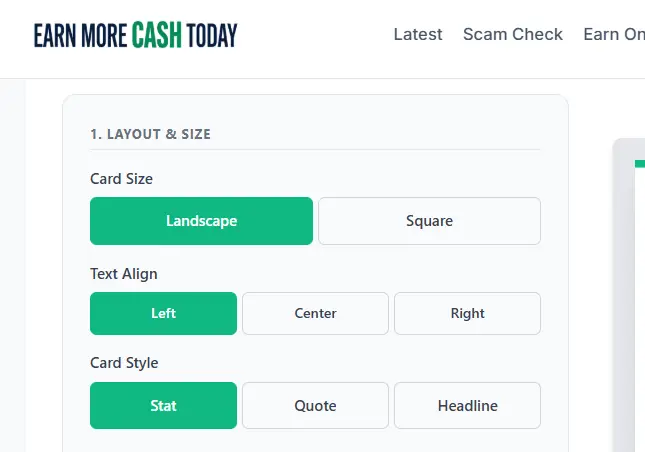
First things first, you need to decide where this image is going. I kept it simple with the two most practical sizes:
- Landscape: Perfect for Twitter (X), Facebook link previews, and LinkedIn.
- Square: Perfect for Instagram, LinkedIn, and Facebook feeds.
You also have full control over your text alignment here; Left, Center, or Right depending on the vibe you are going for.
2. Pick Your Style
I designed three specific “modes” to handle different types of content:
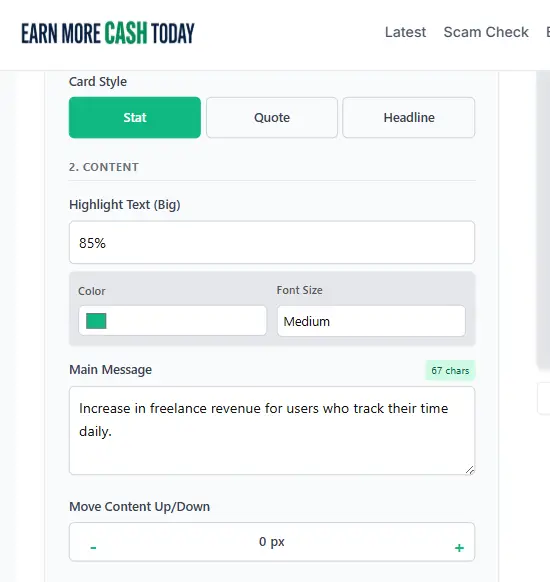
- Stat: This is my favorite. It highlights a big number (like “85%” or “$500”) in a massive font, with the context below it. Perfect for data-driven posts.
- Quote: Adds a large quotation mark and italicizes the text. Great for testimonials or warning quotes.
- Headline: Adds a customizable tag (like “NEWS UPDATE” or “SCAM ALERT”) above bold text.
Pro Tip: If your background image makes the text hard to read, or if the text covers a face in your photo, use the “Move Content Up/Down” slider. It lets you nudge the entire text block vertically to find the perfect safe spot.
3. Branding & Social Proof
This is the part that usually takes the longest in other tools, but I wanted it to be instant.
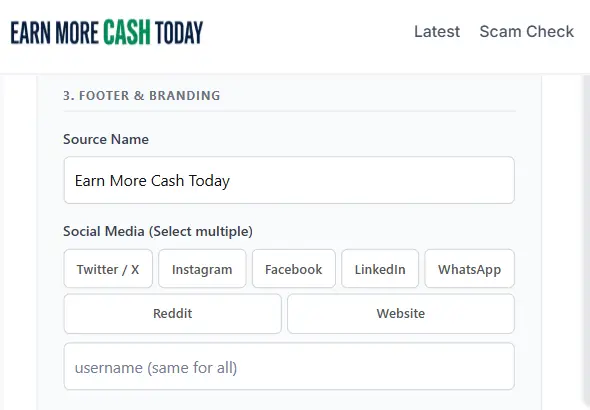
You can add your Source Name (your name or website name) and your Social Handle.
For the icons, I added a multi-select feature. You don’t have to pick just one. You can toggle Twitter (X), Instagram, Facebook, LinkedIn, WhatsApp, Reddit, or a generic Web icon. They will automatically stack neatly next to your handle in the footer.
4. The Logo Builder
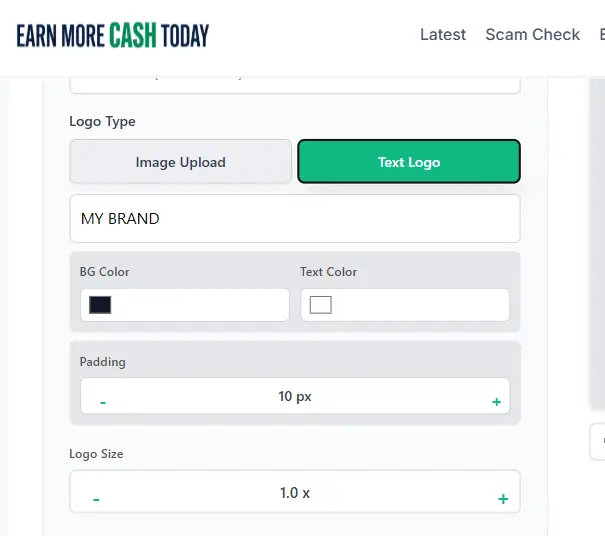
You don’t always have your transparent logo file handy, so I built two ways to handle logos:
- Image Upload: Upload your standard logo file.
- Text Logo: If you don’t have a logo, switch to “Text Logo.” You can type your brand name, pick a background color, and adjust the padding. It creates a professional-looking “badge” instantly.
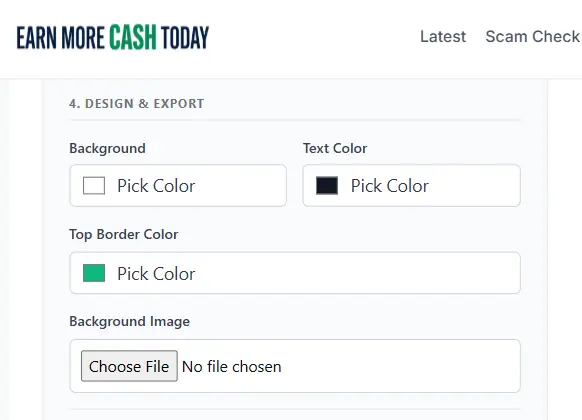
5. Design & Backgrounds
You can stick to a clean solid color background, or upload your own image.
If you upload an image, text readability becomes an issue. That’s why I included an Overlay Opacity control. You can darken the background image just enough to make your white text pop, while still keeping the image visible.
6. Exporting
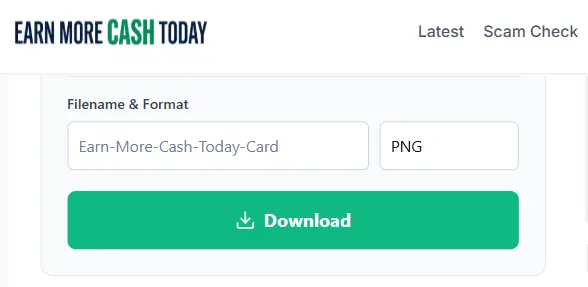
Finally, you can name your file (or leave it default), choose between PNG or JPEG, and hit download.
I hope you find this tool useful, whether you are exposing bad actors or just growing your own brand.
Have you been scammed?
If you have lost money or suspect a website is fake, report it to us immediately to warn others.
REPORT A SCAM NOW