
PayPal Exchange in Ghana – Buy & Sell with Mobile Money

If you are a freelancer, digital marketer, or business owner in Ghana, you know the struggle. You have funds in your PayPal account, but withdrawing them to your Mobile Money wallet feels like solving a math problem. Or maybe you need to pay for a Facebook Ad or a hosting plan, but your PayPal balance is empty.
For years, people have relied on third-party exchangers who charge massive hidden fees or require you to sign up, upload documents, and wait days for verification.
We decided to fix that.
Welcome to the Earn More Cash Today PayPal Exchange Tool. It is designed to be the fastest, simplest, and most transparent way to trade PayPal for Mobile Money (Momo) in Ghana. Plus, we are offering the best exchange rates on the market.
Try It Now
Use the tool below to see our current rates and start a transaction immediately. No account creation is needed.
PayPal Exchange - Ghana
You Will Receive:
GHS 0.00
WhatsApp: +233 59 575 3044
Email: support@earnmorecashtoday.com
Total Cost to You:
GHS 0.00
WhatsApp: +233 59 575 3044
Email: support@earnmorecashtoday.com
Payment Instructions:
Send your money to the following mobile number:
- Number: 0508275602
- Name: KINGSLEYGSLEY ASSEFUAH
- Network: Telecel
What To Know About This Tool
We built this tool with specific features to make your transaction smooth and transparent. Here is a breakdown of what you will see and how to use it.
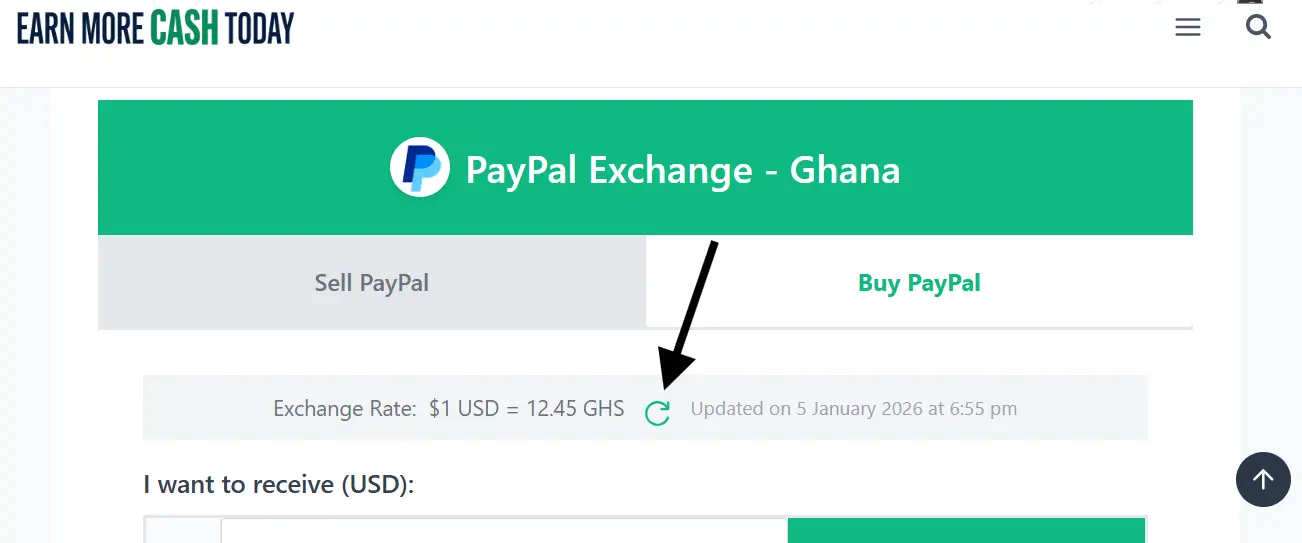
1. The Update Rate Icon
Crypto and currency markets move fast, and so do we. You will see a small refresh icon next to the “Exchange Rate.”
- What it does: Clicking this checks our server for the absolute latest rates instantly without reloading the whole page.
- Why use it: If you left the page open for a while, click this before typing your amount to ensure you are seeing the live price.
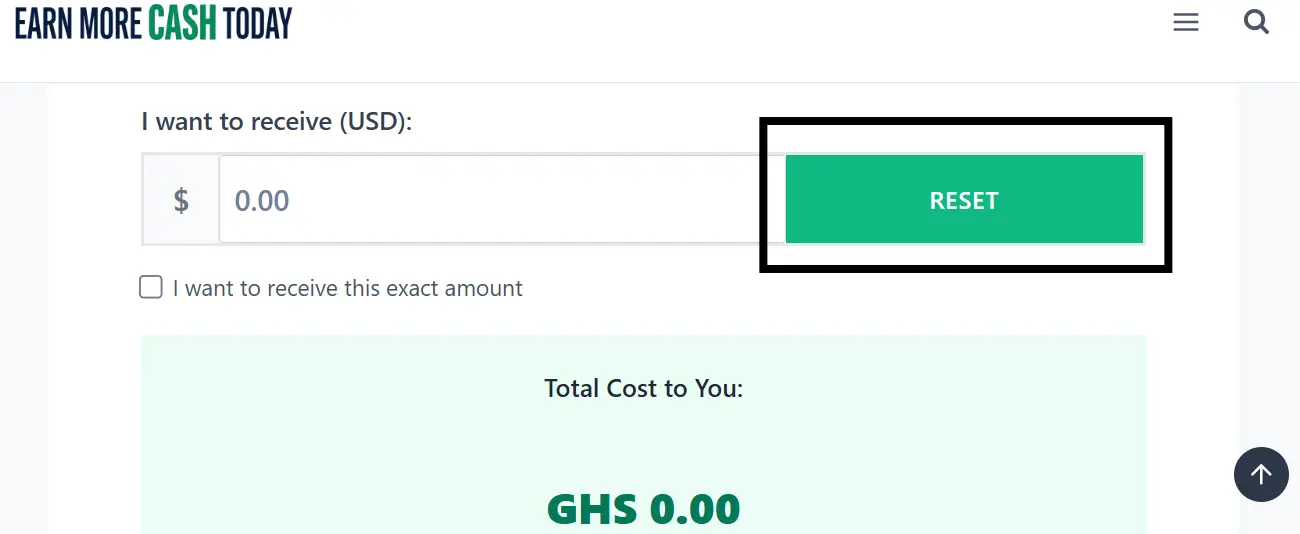
2. The Reset Button
Inside the box where you type the amount, there is a “RESET” button. Clicking it instantly clears the amount and any calculated fees so you can start fresh.
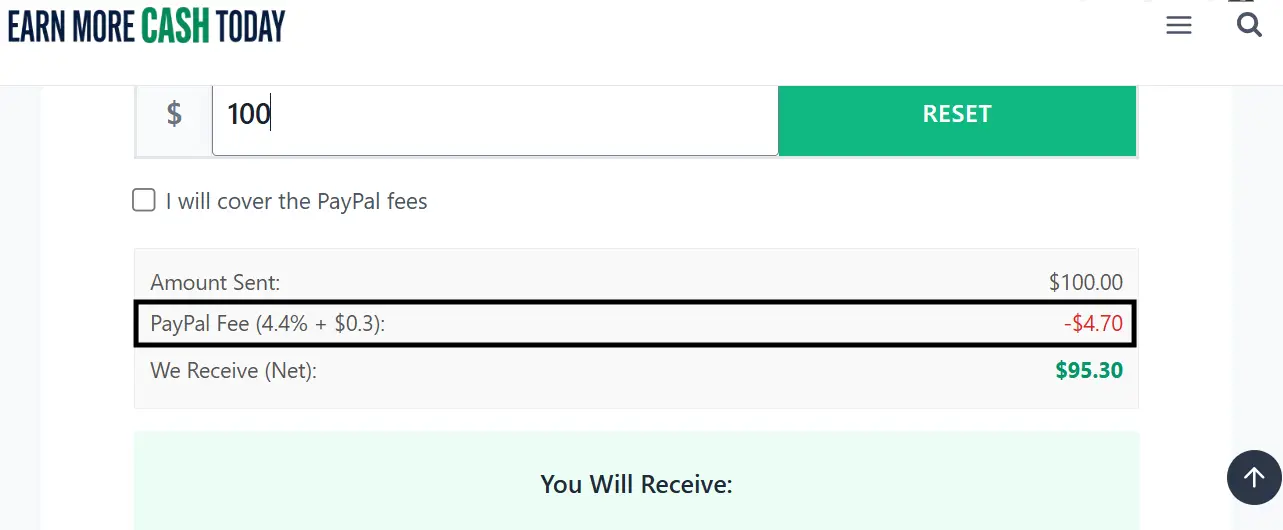
3. Transparent PayPal Fees (4.4% + $0.30)
We don’t hide costs. We show you exactly what you are sending, what PayPal deducts (typically 4.4% + $0.30), and the “Net” amount that actually reaches us.
- Why this matters: We pay you based on the Net amount we receive. This breakdown ensures you aren’t surprised by the final figure.
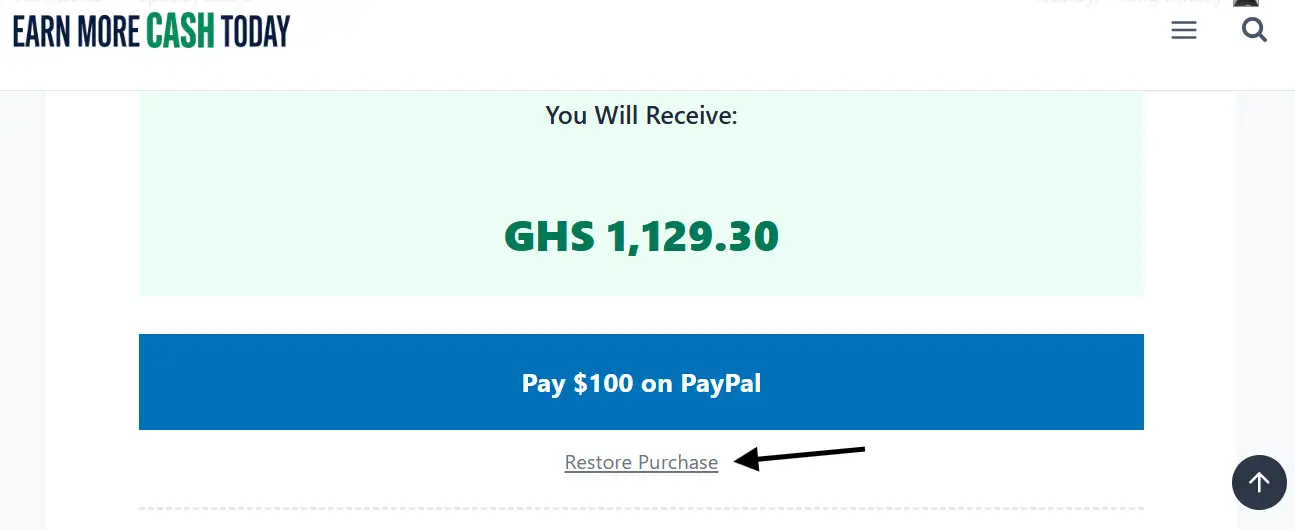
4. The Restore Purchase Link
This is a lifesaver feature. Let’s say you clicked “Pay on PayPal,” completed the transaction, but then accidentally refreshed your browser or lost internet connection before submitting your Momo details.
You don’t need to pay again! When you come back to the page, just enter the amount you paid and click the “Restore Purchase” link that appears under the button. This will skip the payment step and immediately show you the form to submit your details.
5. Offline, Out of Stock & We’re Closed Statuses
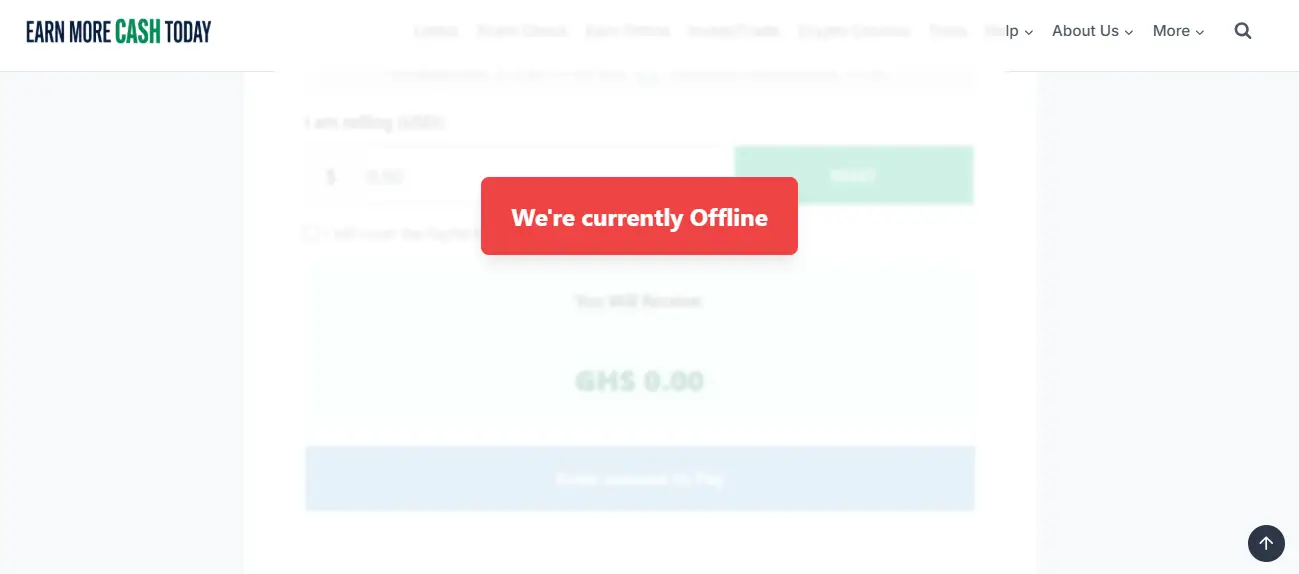
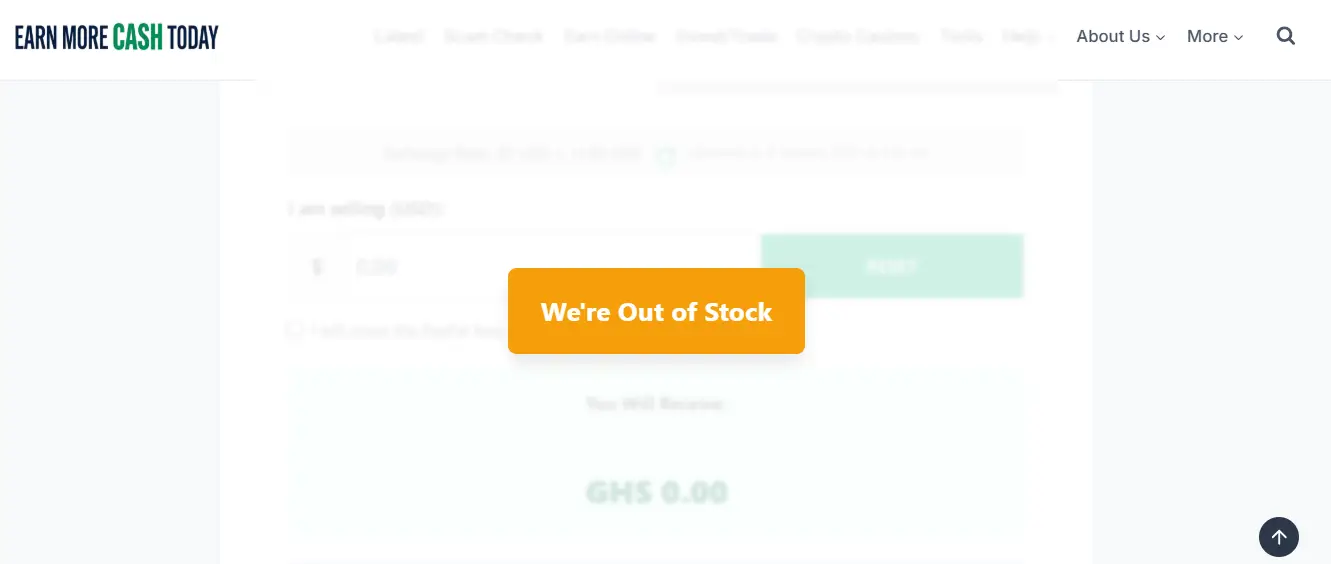
Sometimes, you might visit the page and see a message overlay saying “We’re currently Offline” or “We’re Out of Stock”.
- Offline: This means our team is currently unavailable. Since we verify every transaction manually for safety, we disable the tool when we aren’t at our desks to prevent delays in your payment.
Click to Zoom - Out of Stock: This means we have temporarily reached our limit for the day. Please check back in a few hours.
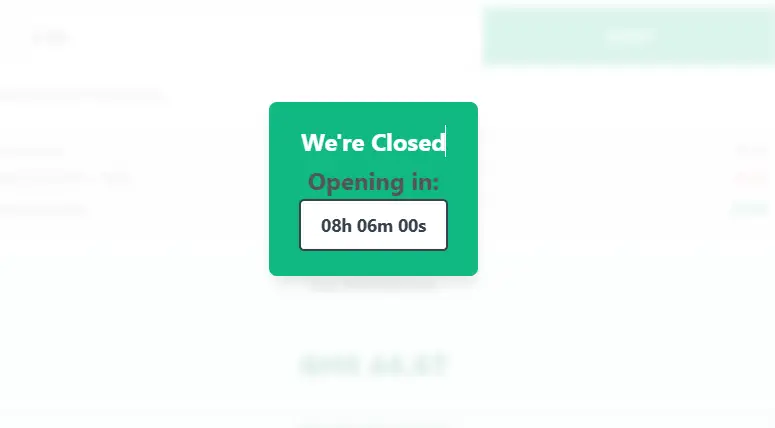
Click to Zoom - We’re Closed: This status appears automatically when you visit outside our working hours. Our working days are Mondays to Fridays (9:00 am – 4:00 pm) and Saturdays to Sundays (12:00 pm – 6:00 pm). A countdown timer will appear to show you exactly when we will open again.
Click to Zoom
Why Use Our Exchange Service?
Unlike other platforms that require tedious sign-ups and identity verification before you can even see the rates, we have simplified the process entirely.
- No Login Required: You don’t need to create an account. Just visit the page, calculate, and trade.
- Instant Quotes: Our calculator shows you exactly how much you will receive or pay. No hidden math.
- Fee Transparency: We show you the PayPal deduction breakdown, so you know the exact net amount hitting your account.
- Direct Mobile Money: We support MTN Mobile Money, Telecel Cash, and AT Money.
- Secure & Verified: Every transaction is manually verified by our team to ensure safety for both parties.
How to Withdraw PayPal to Mobile Money
Want to turn your PayPal dollars into Ghana Cedis? Here is how simple it is:
- Select “Sell PayPal”: Choose the first tab on the calculator.
- Enter Amount: Type the amount of USD you want to withdraw.
- Review the Total: See exactly how many Cedis you will receive. We offer the best rates to ensure you get maximum value.
- Pay: Click the button to send the funds via PayPal.
- Submit Details: Once payment is done, a form will appear. Enter your Momo Number (MTN, Telecel, or AT) and name.
We will verify the funds and send the Cedis to your Mobile Money wallet within 20-180 minutes.
How to Top-Up Your PayPal Account using Momo
Need funds for eBay, Facebook Ads, or hosting?
- Select “Buy PayPal”: Switch to the second tab.
- Enter Amount: Tell us how much USD you need in your PayPal account.
- Check “Exact Amount” (Optional): If you need exactly $50.00 to hit your account for a specific payment, check the box that says “I want to receive this exact amount.” We will calculate the extra fees so you don’t fall short.
- Make Payment: Follow the instructions to send the Cedi equivalent to our Mobile Money number.
- Submit Details: Fill in your PayPal Email Address and the Transaction ID.
We will transfer the PayPal funds to you shortly after confirmation. (Usually within 20-180 minutes.)
A Note on High-Value Transactions
To ensure security for everyone, the automated tool handles transactions up to $500.
If you need to exchange more than $500, you will see a notice asking you to contact us directly. We handle these larger volumes personally via:
- Send the word “PayPal” to 0508275602
OR - Email: support@earnmorecashtoday.com
Frequently Asked Questions (FAQs)
How long does a transaction take?
Most transactions are completed within 20 to 180 minutes after we verify that your payment has been received.
Do I need to create an account?
No! We value your time. You do not need to register or log in to use this service. Just calculate, pay, and submit your details.
Without an account, can I continue my transaction if I leave the page?
Yes! We have programmed the tool to securely store your input in your browser’s local cache. Your details will remain available even if you close the tab or browser. The only time your data is wiped is when you intentionally click the Reset button inside the amount box to start a fresh transaction.
Which mobile networks do you support?
We support all major networks in Ghana: MTN Mobile Money, Telecel Cash, and AT Money.
Ready to trade? Scroll up to the calculator and complete your exchange now!
Subscribe for alerts on new scams and real opportunities.
Have you been scammed?
If you have lost money or suspect a website is fake, report it to us immediately to warn others.
REPORT A SCAM NOW