
Best Free Tools for Scam Checking
 Click to Zoom
If you are reading this, your alarm bells are likely already ringing. Maybe a job offer looks too perfect, an investment return seems impossibly high, or a new online store has prices that defy logic.
In the past, you could spot a scam by looking for bad grammar or pixelated logos. That era is over. Modern scammers use sophisticated templates, AI-generated scripts, and stolen branding to fool even tech-savvy users. Relying on your intuition is no longer a defense strategy; it is a liability.
You need hard evidence.
I have curated the best free tools that investigators use to peel back the layers of a fake website. These tools strip away the glossy marketing and show you the raw data: who owns the site, when it was built, and if it’s designed to steal your money.
Here is your digital forensics toolkit.
1. Earn More Cash Today
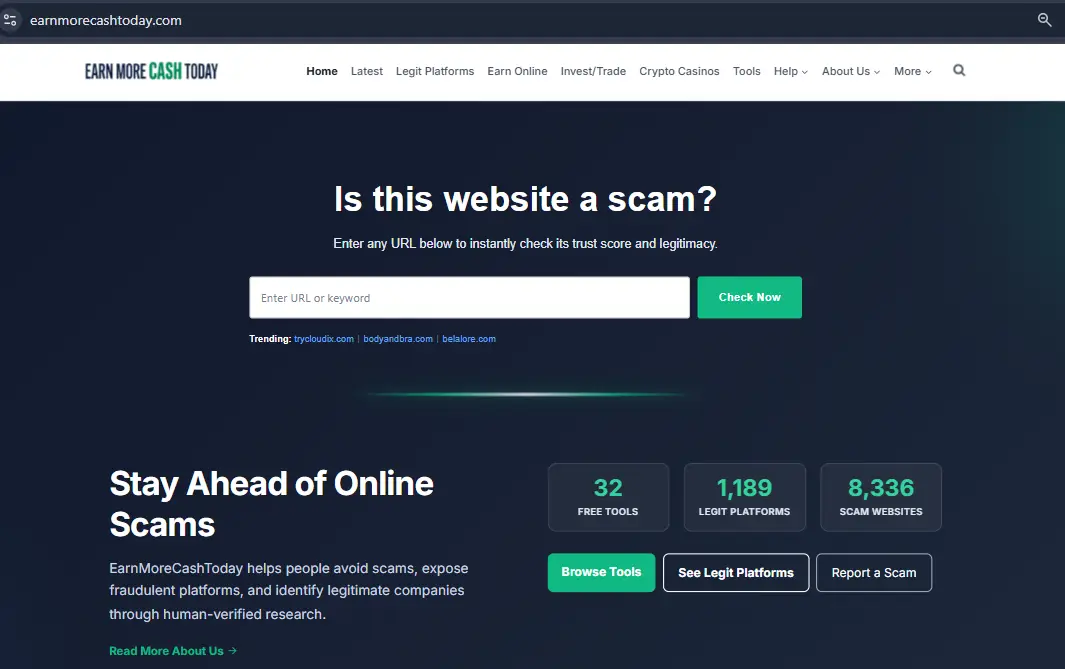
Most tools on this list rely on automated algorithms. While useful, algorithms can miss the nuances of a complex con. Earn More Cash Today brings the human element back into the equation. Founded to expose fraudulent platforms, this site is your first stop for verified information.
It functions as a central intelligence hub. It aggregates user reports, expert investigations, and real-time warnings about specific platforms. If you are looking into an investment site, a crypto platform, an online store or a “work from home” opportunity, this is where you start.
How to Use It
- Go to
earnmorecashtoday.com. - Search Your Target: Go to the Scam check and type in the name of the website, App or company you are investigating.
- Read the Verdict: Look for the specific review or alert article. The team often breaks down exactly why a site is unsafe.
- Check the Report a Scam Section: If you can’t find the site, go to the Report a Scam page. You can submit the suspicious URL there. This crowdsources safety; if you report it, the team can investigate it, potentially saving thousands of others.
Pro Tip: Read the comments section on their reviews. Scams often follow a pattern, and you will frequently find victims sharing their stories in the comments before a formal warning is issued by government agencies.
More Safety Guides
2. Whois.com
 Click to Zoom
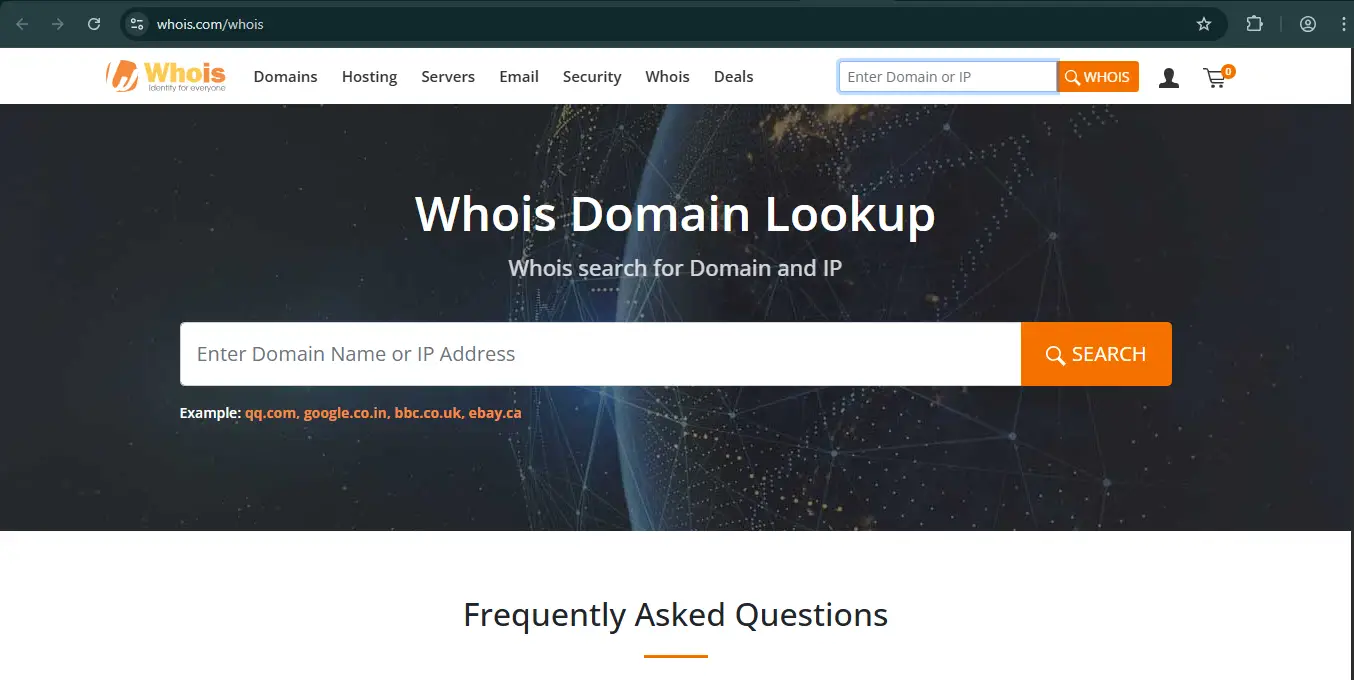
Scammers do not plan for the long term. They burn through websites quickly. A common pattern is a website that claims to be “an industry leader since 2015” but was actually registered last Tuesday. Whois.com allows you to see the public registration record of any domain name.
How to Use It
- Go to
whois.com/whois. - Enter the website address (e.g.,
yangmuns.com) in the search box and click Search. - Scroll down to the section labeled “Domain Information” or “Important Dates”.
- Look for “Registered On” or “Creation Date”.
What to Look For
- The 6-Month Rule: If a website asks for money or personal data and is less than 6 months old, treat it as radioactive.
- The 1-Year Registration: legitimate businesses usually register their domains for 2-5 years at a time. Scammers often register for only 1 year (the minimum) to save money. If the “Expires On” date is exactly one year after the “Registered On” date, proceed with extreme caution.
3. VirusTotal
 Click to Zoom
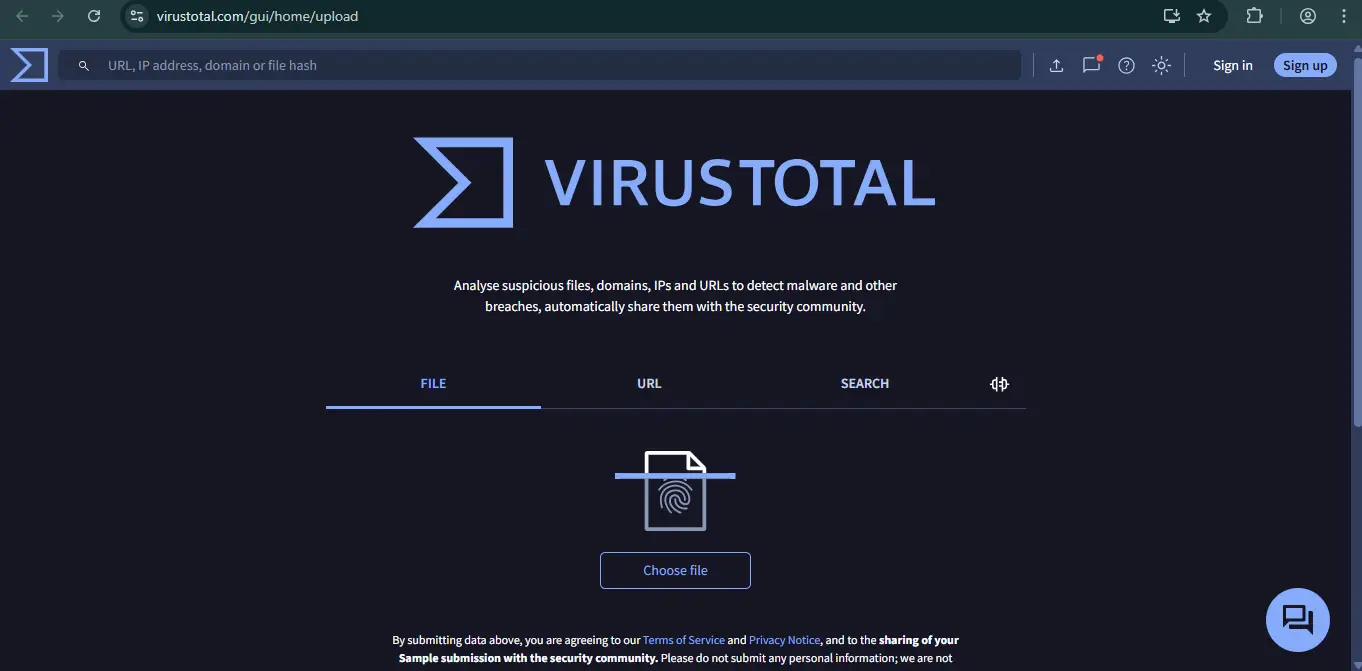
Never click a link you are unsure about. Clicking can sometimes be enough to infect your device with malware or expose your IP address. VirusTotal acts as a buffer. It scans files and URLs using over 70 different antivirus scanners simultaneously.
How to Use It
- Go to
VirusTotal.com. - Click the URL tab (look for the globe icon).
- Paste the suspicious link and press Enter.
- Wait for the results circle to load.
What to Look For
- The Score: You want to see 0/90. If even one vendor flags it as “Malicious” or “Phishing,” do not visit the site.
- Community Tab: Click the “Community” tab on the results page. Often, security researchers will leave notes like “Drop zone for malware” or “Fake login page” even if the automated scanners missed it.
Pro Tip: You can also use this for files. If someone emails you a PDF invoice or a “Job Description.zip,” download it (don’t open it!) and upload it to the File tab on VirusTotal. It will tell you if there is a trojan horse hidden inside.
4. Google Reverse Image Search
 Click to Zoom
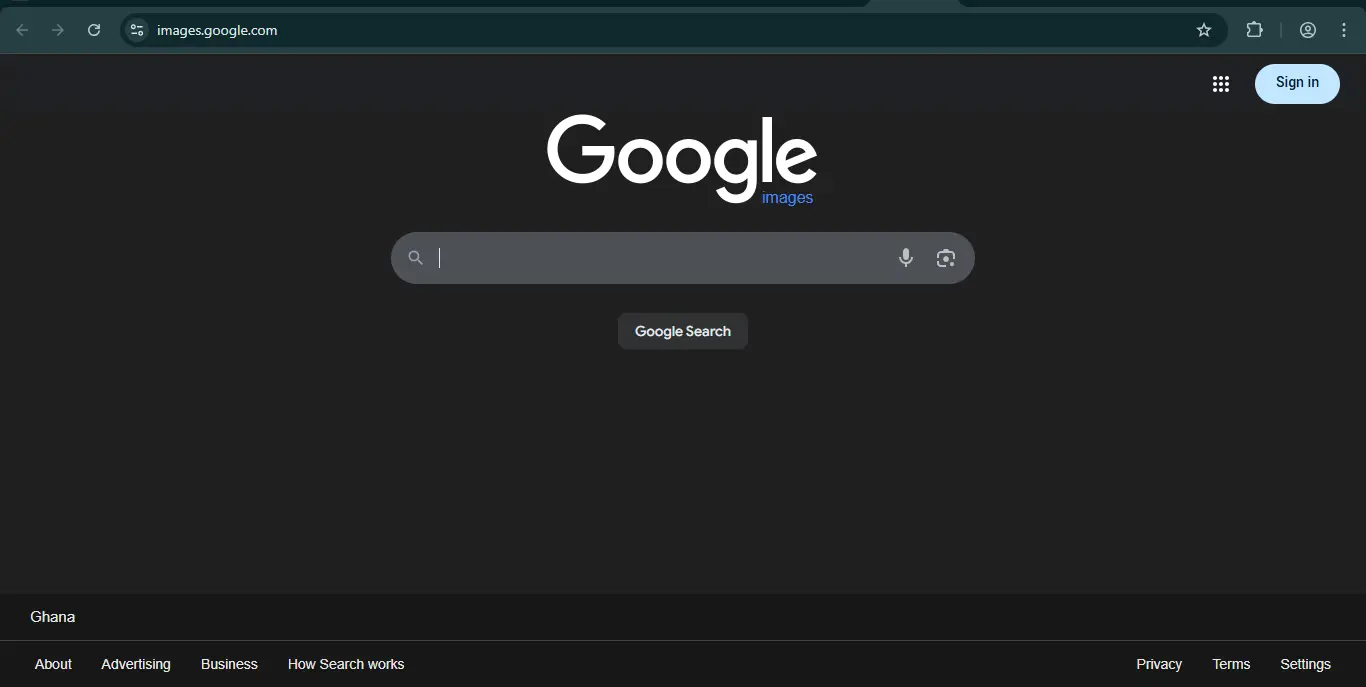
Scam websites often feature photos of their “Executive Team” or “Happy Clients.” In romance scams, the person you are talking to sends you photos of “themselves.” In 99% of cases, these are stolen images.
How to Use It
- Get the Image: Right-click the photo on the website and select “Copy Image Address” (or save it to your desktop).
- Go to Google Images (
images.google.com). - Click the Camera Icon (Search by image).
- Paste the image URL or upload the file.
- Look at the results.
What to Look For
- Stock Photo Sites: If the “CEO” appears on Shutterstock, iStock, or Adobe Stock, the site is a fake.
- Multiple Names: If the same face appears on five different investment sites with five different names (e.g., “John Smith,” “David Miller,” “Robert Green”), you have found a scam network.
Pro Tip: Use this for product scams too. If a site is selling a “handmade, unique watch” for $50, reverse search the image. You will often find the exact same item on AliExpress or Temu for $3.
5. Have I Been Pwned
 Click to Zoom
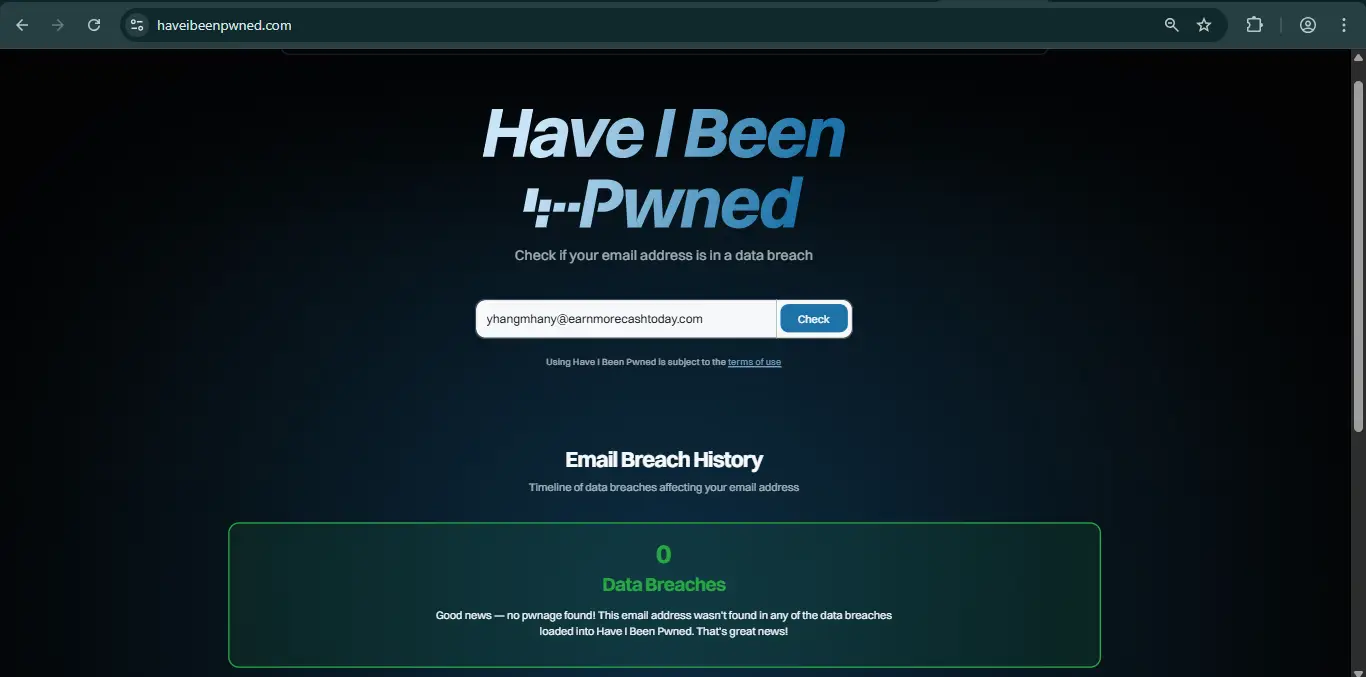
Sometimes the scam isn’t a website; it’s an email claiming to have your password or threatening to leak your data. Scammers buy old database leaks and send mass emails hoping to scare you. Have I Been Pwned tells you if your email has been compromised in a data breach.
How to Use It
- Go to
haveibeenpwned.com. - Enter your email address.
- Click “Check”.
What to Look For
- Red Screen: If the screen turns red, it lists the specific data breaches your email was found in (e.g., LinkedIn 2016, Adobe 2013).
- Action: If a scammer emails you a password you used 10 years ago, check this site. If that password was part of a known breach, the scammer doesn’t have access to your computer—they just bought a public list. Delete the email and move on.
Pro Tip: Use this to help older relatives. If they receive a “blackmail” email quoting an old password, showing them the source of the leak on this site effectively calms their panic.
6. The Wayback Machine (Internet Archive)
 Click to Zoom
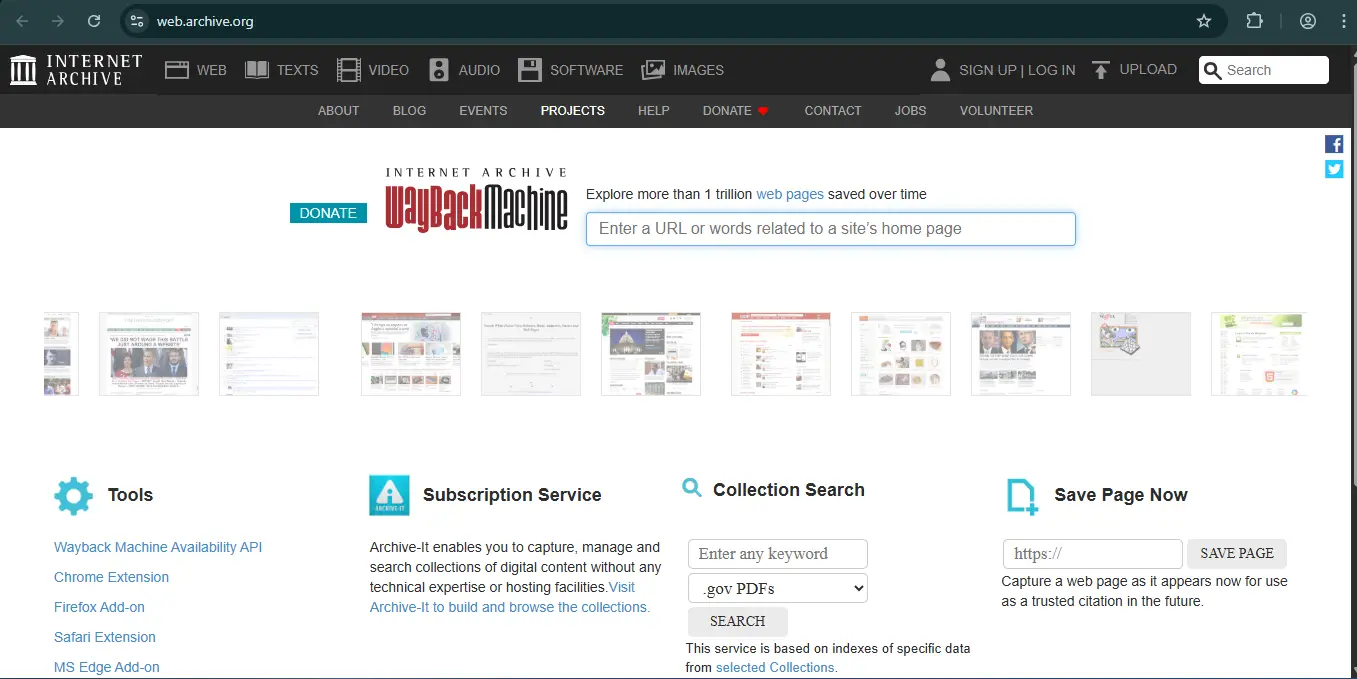
A legitimate company has a history. A scam company often has a “history” page claiming they were founded in 2010, but their digital footprint says otherwise. The Wayback Machine takes snapshots of the internet. It lets you see what a website looked like in the past.
How to Use It
- Go to
archive.org. - Enter the URL of the website.
- Look at the calendar timeline at the top.
What to Look For
- The Blank Slate: If the company claims to be 10 years old, but the Wayback Machine shows zero snapshots until last month, they are lying.
- The Shapeshifter: Sometimes you will see that the domain was a shoe store in 2021, a gardening blog in 2022, and is now a “crypto investment bank” in 2024. This indicates the scammers bought an expired domain to make it look older.
Pro Tip: Look for the “About Us” page in historical snapshots. Scammers often copy-paste text from other sites. If the “About Us” page from two years ago lists a completely different company name, you have caught them red-handed.
A 3-Step Vetting Process
Using all seven tools for every single email is overkill. Instead, adopt this rapid-fire workflow for everyday checks. It takes less than 120 seconds.
Step 1: The Age Test (Whois)
- Tool: Whois.com
- Check: Is the domain creation date less than 3 months ago?
- Verdict: If yes, it’s a burn-and-turn scam. Close the tab. If it’s older, proceed to Step 2.
Step 2: The Reputation Check (Earn More Cash Today)
- Tool: Earn More Cash Today
- Check: Search the company name. Are there specific scam alerts, bad reviews, or user complaints?
- Verdict: If you see a warning, stop immediately. If there is zero information (suspicious for a “famous” company), proceed with caution to Step 3.
Step 3: The Malware Scan (VirusTotal)
- Tool: VirusTotal
- Check: Does any security vendor flag the URL as malicious or phishing?
- Verdict: If you see red, block the sender. If it scans clean (0/90), the site is technically safe to browse, though you should still be wary of financial requests.
Conclusion
The internet is not a safe place, but it doesn’t have to be a scary one. The difference between a victim and a savvy user is simply the willingness to check the facts.
These tools are completely free. Checking a domain on Whois takes 30 seconds. verifying an image on Google takes 15 seconds. Scanning a file on VirusTotal takes 10 seconds.
Compare that to the months of stress and financial loss recovering from a scam takes. The math is simple. Bookmark these tools, use the 3-step process, and always demand data before you trust.
Have you been scammed?
If you have lost money or suspect a website is fake, report it to us immediately to warn others.
REPORT A SCAM NOW