
Why Scam Websites Have SSL Certificates (The Padlock Myth)

 Click to Zoom
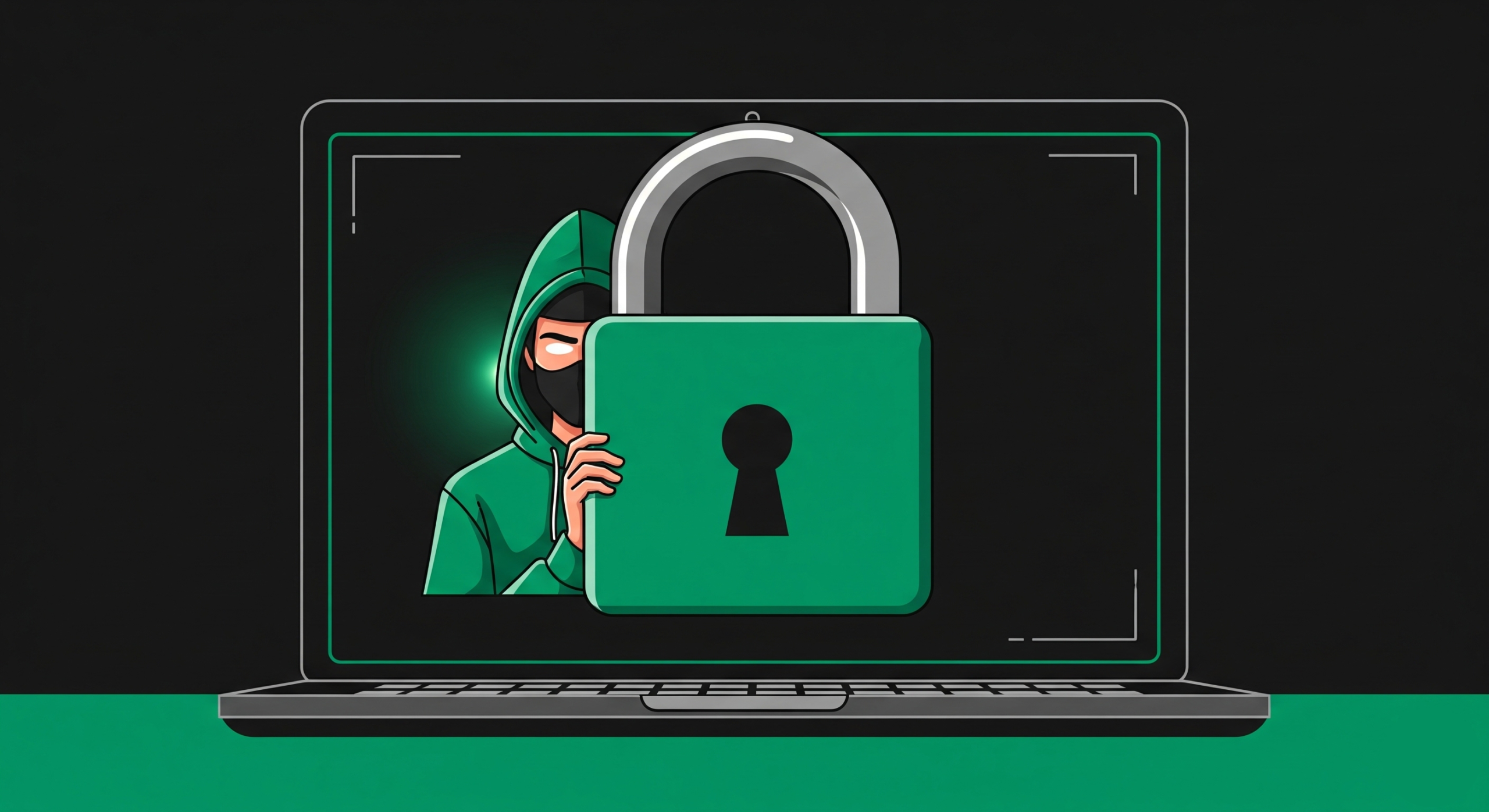
Seeing a padlock next to a website URL does not mean the site is safe. It only means the connection between your browser and the server is encrypted. Scammers use free, automated SSL certificates to encrypt stolen credit card data and trick victims into a false sense of security. Never confuse encryption with legitimacy.
Click to Zoom
Seeing a padlock next to a website URL does not mean the site is safe. It only means the connection between your browser and the server is encrypted. Scammers use free, automated SSL certificates to encrypt stolen credit card data and trick victims into a false sense of security. Never confuse encryption with legitimacy.
What the Browser Padlock Actually Means
You were taught a dangerous lie. For years, security training told users to look for the padlock before entering payment details. This advice is now obsolete and actively harmful.
The padlock icon indicates the presence of an SSL/TLS certificate. This cryptographic protocol ensures that data traveling from your device to the website server cannot be intercepted by a third party. If you submit your credit card number, the encryption prevents someone sitting on the same public Wi-Fi network from stealing it.
Here is the brutal reality: the SSL certificate only secures the transit of the data. It does absolutely nothing to verify the integrity of the person receiving it. You are simply establishing a highly secure, encrypted tunnel directly to a fraudster. They get your data flawlessly.
How Fraudsters Weaponize Free SSL Certificates
Criminals adapt quickly. When browsers started flagging non-HTTPS websites as Not Secure, the fraud ecosystem evolved. Malicious actors no longer operate unencrypted sites. They weaponize the very security tools designed to stop them.
Certificate Authorities previously charged money and required basic identity checks to issue SSL certificates. That barrier to entry is gone. Organizations automated the process to make the web safer, offering free certificates to anyone who can prove control over a domain name.
Scammers exploit this automated infrastructure relentlessly.
- They register a deceptive domain name.
- They request a free Domain Validated certificate via an automated API.
- The system verifies domain ownership in seconds.
- The phishing site goes live with a shiny new padlock.
This entire lifecycle takes less than five minutes and costs the attacker nothing. They launch thousands of encrypted scam pages daily.
The Difference Between Encryption and Legitimacy
To protect your assets, you must understand the different tiers of SSL certificates. Scammers rely on your ignorance of these technical distinctions. Let us break down exactly what Certificate Authorities actually verify.
| Certificate Type | Verification Process | Cost | Fraudster Utilization |
| Domain Validated (DV) | Automated check of domain ownership only. No human identity verification. | Free | Extremely High. The standard choice for phishing. |
| Organization Validated (OV) | Manual vetting of the company registry, physical address, and phone number. | $50 to $200 annually | Low. Too slow and expensive for disposable scam sites. |
| Extended Validation (EV) | Rigorous forensic background check of legal entity status and operational history. | $200 to $1000+ annually | Near Zero. Criminals cannot pass this level of scrutiny. |
The vast majority of web browsers no longer visually distinguish between a free DV certificate and a rigorous EV certificate. The visual indicator is identical. This UI decision heavily favors the attacker.
Recommended Articles


Tactics to Identify a Secured Scam Website
If the padlock is useless for identity verification, you must deploy alternative techniques before handing over your financial data. Stop relying on visual shortcuts and start inspecting the infrastructure.
- Examine the Certificate Details: Click the padlock icon, select Connection is secure, and view the certificate. Look at the Subject field. If the website claims to be a major bank but the certificate only validates the domain without listing a corporate entity, terminate the session immediately.
- Check the Issuance Date: Fraud domains are highly disposable. They are registered, used for a campaign, and burned. Inspect the Valid From date on the certificate. If a site claiming to be a decade-old retailer has an SSL certificate issued three days ago, you are looking at a scam.
- Analyze the Domain Age: Threat actors rarely use aged domains. Use a WHOIS lookup tool to find the domain registration date. A secure connection to a domain registered 48 hours ago is a massive red flag.
Stop Trusting the Padlock to Protect Your Wallet
The internet is a hostile environment. Relying on outdated advice will result in compromised bank accounts and stolen identities. The padlock simply means your data is encrypted in transit. It is a baseline technical requirement for modern web hosting, not a seal of approval or a guarantee of safety.
Fraudsters are fully encrypted. You must shift your focus from analyzing the connection to analyzing the destination. Verify the domain registration, inspect the certificate issuance details, and never assume a website is legitimate simply because your browser says it is secure. Your financial survival depends on this level of paranoia.
Subscribe for alerts on new scams and real opportunities.
Have you been scammed?
If you have lost money or suspect a website is fake, report it to us immediately to warn others.
REPORT A SCAM NOW