
How to Spot and Avoid Fake Software Download Scams

 Click to Zoom
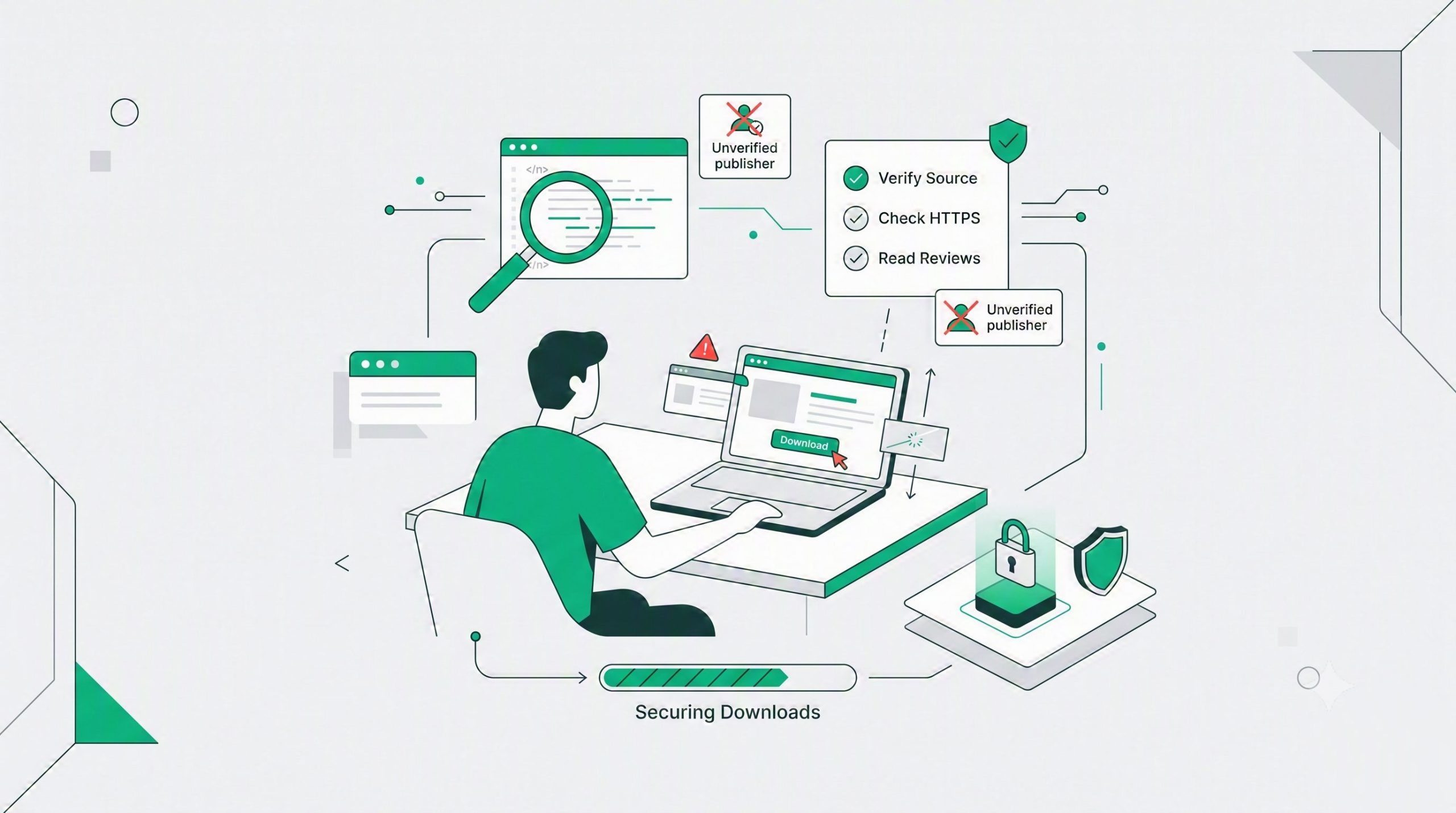
Fake software downloads are precision attacks designed to steal credentials, drain bank accounts, and hijack system resources. Attackers clone legitimate developer websites, buy sponsored search engine placements, and distribute poisoned installers laced with ransomware, remote access trojans, or cryptominers. You protect your machine by strictly downloading from primary source repositories, validating cryptographic hashes, and verifying code signing certificates before executing any binary payload.
Click to Zoom
Fake software downloads are precision attacks designed to steal credentials, drain bank accounts, and hijack system resources. Attackers clone legitimate developer websites, buy sponsored search engine placements, and distribute poisoned installers laced with ransomware, remote access trojans, or cryptominers. You protect your machine by strictly downloading from primary source repositories, validating cryptographic hashes, and verifying code signing certificates before executing any binary payload.
Search Engine Poisoning and Domain Spoofing
Threat actors weaponize advertising networks. When you search for popular open-source tools or productivity suites, attackers outbid the actual developers for the top sponsored slots. You click the top link. It looks identical to the official site. The URL is slightly altered. A swapped letter, a different top-level domain, or a clever Unicode character completely bypasses a casual visual check.
Stop trusting search engine ad placements. Navigate directly to developer repositories or official package managers. If you must use a search engine, bypass the sponsored section entirely and scrutinize the organic results. Look at the raw URL string. Subdomains are frequently abused to mimic official branding.
Technical Verification
Trusting a download button is a catastrophic security failure. You must mathematically prove the file on your local disk is the exact file the developer compiled.
Cryptographic Hashes
Developers provide SHA-256 hashes for their binaries. This hash is a unique alphanumeric string generated by passing the file through a cryptographic algorithm. If a single byte in the file changes, the hash changes completely.
Open your terminal. Calculate the hash of your downloaded file. Compare it against the hash published on the official developer site. If the strings mismatch, delete the file immediately. The payload is compromised. Do not execute it under any circumstances.
Digital Signatures and Code Signing
Operating systems use code signing certificates to verify the identity of the software publisher. Malicious actors rarely possess valid, long-standing Extended Validation certificates.
Right-click the executable on Windows. Inspect the properties. Navigate to the Digital Signatures tab. Verify the name of the signer matches the official corporate entity. Check the timestamp. Treat newly minted certificates or missing signatures as critical security threats. Legitimate software corporations do not distribute unsigned binaries to the public.
Anatomy of a Poisoned Installer
Malicious payloads often reveal themselves through structural anomalies before execution. Understanding these anomalies keeps your network secure.
File Size Discrepancies
Real applications have predictable file sizes. Fake installers fall into two extreme categories. They are either tiny droppers that connect to a command and control server to download the actual malware, or they are artificially bloated with gigabytes of junk data. Threat actors pad files to exceed the maximum scanning limits of cloud-based antivirus engines. If a basic text editor installer is two gigabytes in size, you are downloading malware.
More Safety Guides


Execution Behavior and Privilege Escalation
Legitimate software requests administrative privileges only when necessary for system-level installation. Malware often demands elevated privileges immediately upon execution to disable endpoint protection and establish persistence in your registry. Deny the prompt if the software should not require deep system access. Portable executables should rarely require administrative overrides.
Real versus Fake Sites
Understanding the backend infrastructure of a website allows you to spot clones rapidly. Threat actors spin up domains quickly and cheaply.
| Infrastructure Metric | Legitimate Developer Site | Fraudulent Clone Site |
| Domain Age | Established for years | Registered within the last 30 days |
| Certificate Authority | Organization Validated SSL | Free, automated domain-validated certificates |
| Registrar Details | Public corporate registration | Heavily redacted or offshore proxy registration |
| Hosting Environment | Enterprise CDN or AWS | Bulletproof hosting or cheap virtual private servers |
Actionable Defense Protocol
Your endpoint security software is your last line of defense, not your primary strategy. Assume every executable is hostile until proven otherwise.
First, route suspicious files through comprehensive analysis platforms. Upload the binary to services that scan files against dozens of antivirus engines simultaneously. Do not rely on your local antivirus alone.
Second, execute unknown software in an isolated environment. Spin up a virtual machine or utilize built-in OS sandboxing features to monitor the application behavior safely. Watch for unexpected network connections or unauthorized registry modifications.
Finally, enforce a strict software execution policy on your workstation. Disable auto-run functionalities. Never execute a payload you cannot mathematically verify. Your data integrity depends entirely on your operational discipline.
Subscribe for alerts on new scams and real opportunities.
Have you been scammed?
If you have lost money or suspect a website is fake, report it to us immediately to warn others.
REPORT A SCAM NOW